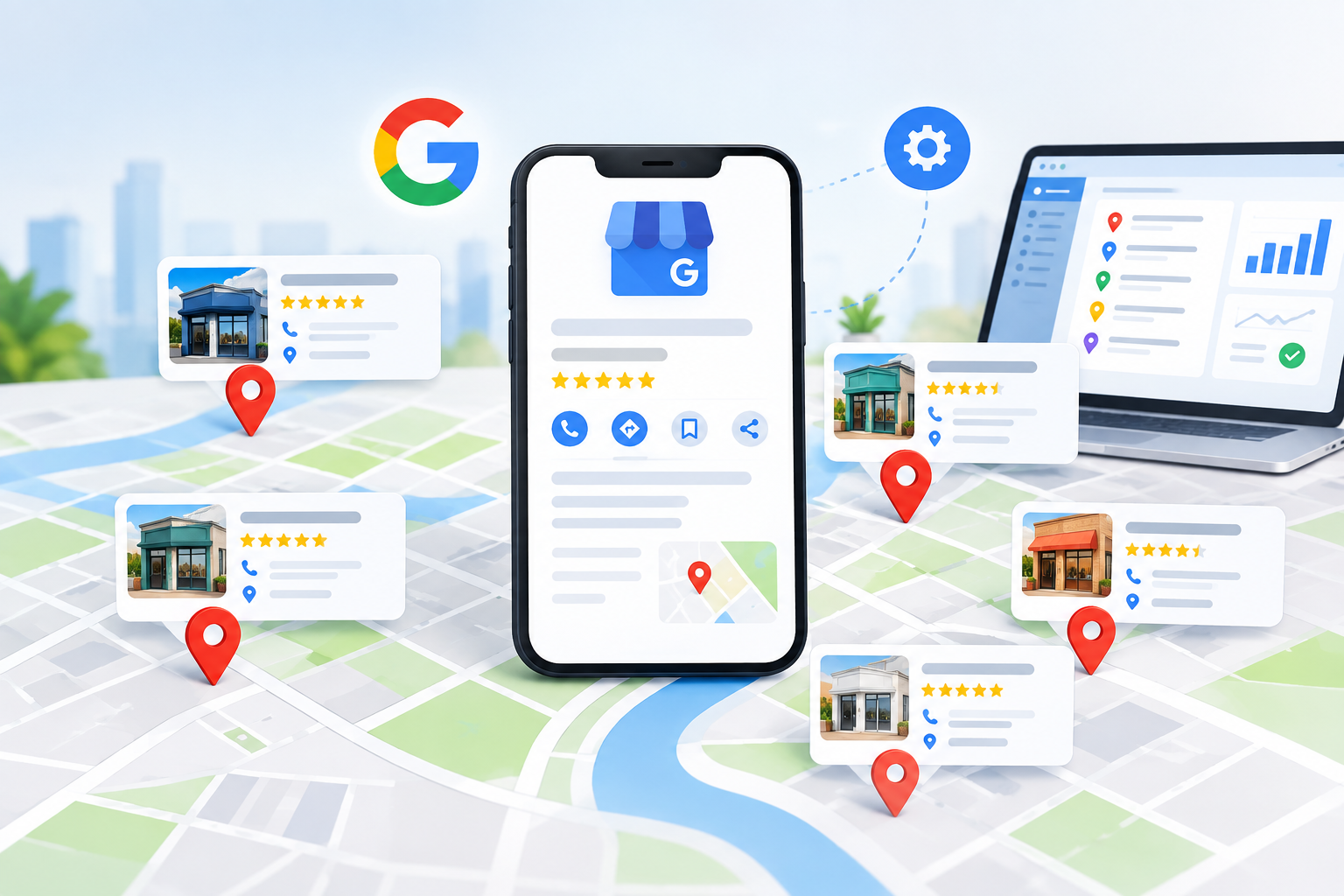
It’s easy to manage one business listing online, but when you want to expand your operations to three, ten, or fifty stores, running local marketing becomes a complicated task. Each branch has to have correct business information, up-to-date reviews, and active engagement if it is to attract local customers. If you know how to set up your Google Business Profile accounts properly, you’ll save time and prevent your listings from being suspended for expensive reasons.
No matter whether you operate a regional service company, a rapidly expanding retail franchise, or a professional practice, mastering multi-location local search will help you draw in local shoppers and rank higher than your competitors in Google Maps. A well-structured Google Business Profile strategy also supports effective Local SEO across multiple locations.
1. Manage All Locations from One Dashboard
Steps to Organize Location Groups
- Log in to your master account dashboard.
- Go to the Businesses tab and choose Create Group.
- Name the group according to brand, region, or state.
- Either transfer the verified profiles that are already there into this group or add new entries directly.
2. Make Sure Your Business Details Are the Same at Every Branch
Essential Formatting Rules
-
Business Name:
Make sure that you use your actual trade name at all your locations. Do not include extra keywords in the individual store titles, since this goes against the platform’s guidelines and causes your profile to be suspended. -
Primary Categories:
Assign the same primary categories to stores that have the same format in order to keep search results relevant. Use specific secondary categories to show the regional differences. -
Local Phone Numbers:
Each storefront should be given its own unique direct phone number featuring a local area code rather than having callers routed through a general toll-free central call centre. -
Dedicated Landing Pages:
Make each profile location link directly to its individual location page on your main website rather than sending all the traffic to the homepage.
3. Use Bulk Verification to Achieve a Quick Setup
It takes hours to add storefronts one at a time, and if you have 10 or more physical branches all under the same brand name then you are eligible for bulk profile verification.
| Setup Method | Number of Store Locations | Key Advantage |
|---|---|---|
| Manual Check | 1 to 9 Locations |
Fast Verification Fast video, phone, or postcard check for each store. |
| Bulk Verification | Available in 10 or more locations |
Chain Verification Offers quick verification of a single form for the whole store chain. |
4. The Best Software Tools for Multi-Location Local SEO
As your business grows, it becomes impossible to manage multiple listings manually. Specialized software can be used to automate the execution of update tasks, monitor performance metrics, and improve your visibility in Google Maps SEO. These tools can also support Google Business Profile management when businesses operate across several locations.
Here are the top local marketing tools to streamline your multi-location workflows:
BrightLocal
BrightLocal is good at tracking local rankings within custom zip-code areas and enables you to audit the completeness of your profiles, monitor your performance in localized searches, and remove conflicting citations from other business directories.
Yext
Yext offers enterprise-level listing distribution and automatically keeps store hours, street addresses, and updates regarding operational status in sync across more than 200 digital map directories.
Whitespark
Whitespark is experts in the area of citation discovery and in the analysis of competitive reviews. It enables multi-location teams to identify valuable local citation opportunities which in turn enhance their regional authority in map rankings.
Localith
Localith provides centralised scheduling for posts from multiple profiles, includes automated tools for managing reviews, and has profile protection features which stop unauthorised third parties from making updates to your store details.
These platforms make it easy to carry out GBP Optimization, meaning that your store information remains accurate without the need to carry out manual edits on each individual profile dashboard. Proper GBP Optimization is essential for scaling across regions, and consistent GBP Optimization will keep your rankings stable over time.
5. Set up a continuous management workflow
Weekly Engagement Tasks
- Share weekly updates, seasonal discounts, and announcements with each storefront profile.
- Make sure to reply to customers’ reviews, addressing both the positive and negative ones within 48 hours in order to show that you are providing active customer support.
- Upload high-resolution photos: Often post genuine pictures of the store interiors, your team, and actual projects in order to enhance consumer trust and search engagement.