
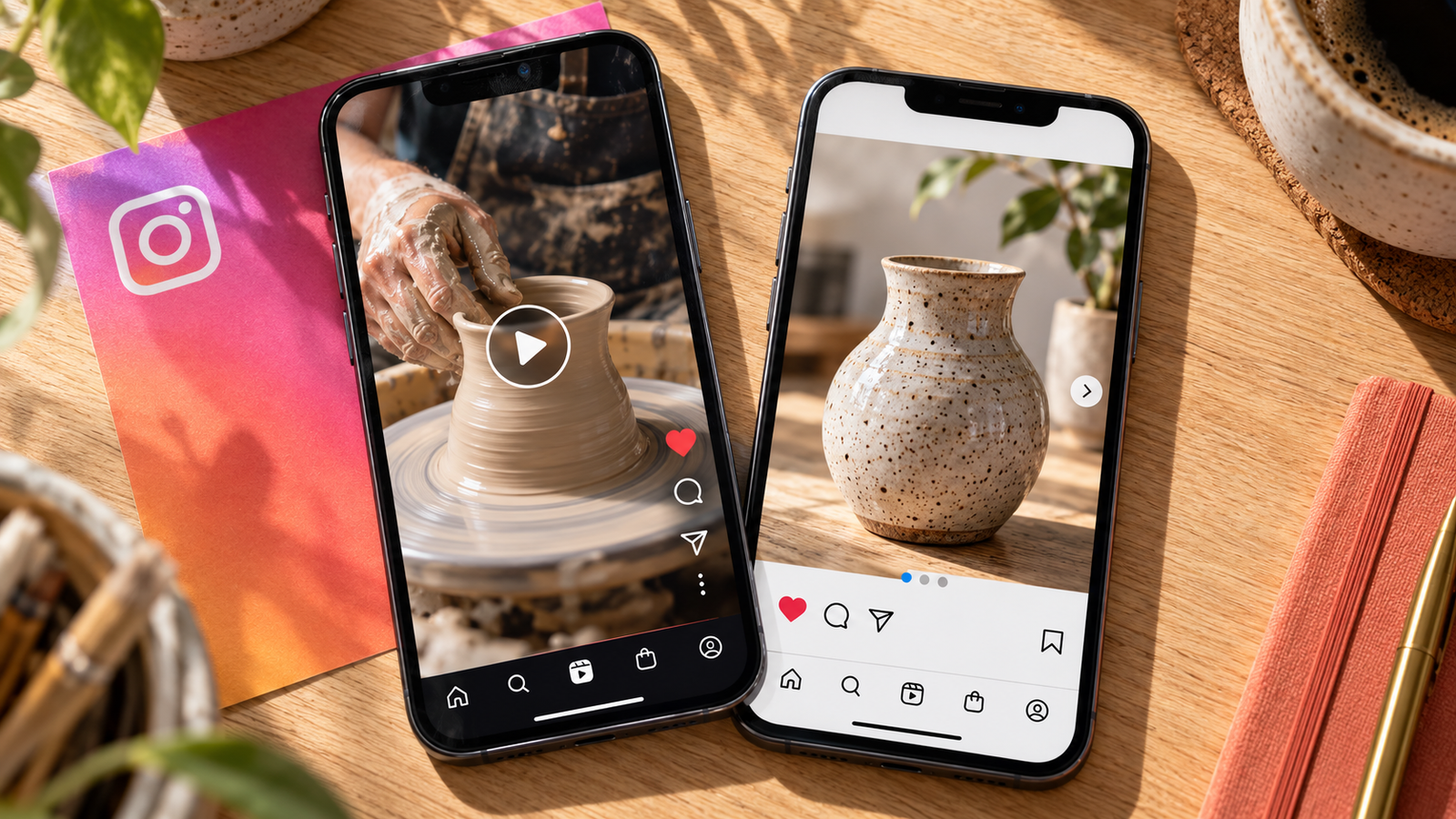
One customer asks how your product works. Another would like you to compare two different services. Both questions are worth answering, but they may require different presentation formats to ensure clarity.
A video can show a process in motion, while a carousel post can break down multiple options so that the customer reviews the details. The right question to ask is what the customer needs to see, learn or do.
Selecting the format before writing or filming can save production time, especially for small businesses.
What Makes Reels and Carousels Different?
The primary difference is the way the explanation unfolds.
A reel is a continuous piece of content, shaped by the creator through filming and editing. Movement, voiceover, sound effects and captions combine to form the message. Viewers decide when to pause or replay, but the video sets the initial pace.
A carousel breaks down the explanation into slides. The reader selects the pace, deciding when to advance or return to a previous point. A sliding carousel is suitable for describing something that requires separate attention to individual details.
Both formats have a place in an Instagram content plan, but their relevance depends on how clearly they communicate the message.
Begin With the Message Before You Select the Format
- Does something need to move? A folding chair, a particular styling technique or the installation process of your product may be easier to demonstrate than describe.
- Does the reader need to compare? Separate slides can highlight the inclusions of two services or the preparation instructions for your product.
- What is the next step? Consider the preferred customer action after viewing the post. Would they save the information, ask a clarifying question or enquire about your service?
When a Reel Is the Right Format for Your Message
Show How Something Works
Use video to demonstrate the way your product opens, how a material behaves or what happens during a service. Capture a brief sequence that answers a specific question.
Begin filming from a distance that makes the important detail visible, then edit out any irrelevant segments.
Introduce Someone From Your Business
A representative from your company can address viewers directly, using their voice and expression to support the explanation. This format works well when someone has a specific message to share, such as an answer to a common customer question.
Give them a precise question to answer rather than asking for a general introduction.
Tell a Short Visual Story
When a Carousel Is the Right Format for Your Message
Break Instructions Into Manageable Steps
Certain pieces of information require careful attention, such as instructions for preparing to use your product. Create one slide for each step or dedicate each slide to a particular topic within a larger explanation.
Keep slide text focused on the essential information. Use the post caption for supporting details that would otherwise overcrowd the design.
Make Comparisons Easier to Follow
If customers ask for a comparison between your services or products, use separate slides to identify similarities and differences. Comparison is easier to manage in a carousel post when each option presents information in the same format and sequence.
Inconsistent labels across a comparison can confuse the reader.
Create a Useful Reference
A sliding carousel can compile related information in a format that viewers may refer to later. A bakery, for example, could explain the process of collecting, transporting and storing a celebration cake.
The value lies in the information rather than the number of slides.
Choose the Format Based on the Message
| Message or task | Format to consider | Why it may suit the message |
|---|---|---|
| Demonstrate a feature of your product | Reel | Movement can explain how it works |
| Explain a preparation checklist | Carousel | Readers can review instructions at their own pace |
| Introduce a team member | Reel | The speaker’s expression and voice convey personality |
| Compare service options | Carousel | Consistent formatting makes differences easier to assess |
| Explain a customer project | Either | Show the process or describe the decisions made |
Turn One Topic Into Two Useful Posts
Consider a bakery that prepares cakes for collection. The video could feature the process of securing a cake inside its box. A close up shot makes the packaging process more visible than a written explanation.
The carousel could answer a related question: what should the customer prepare before transporting the cake? Each slide could explain an instruction approved by the bakery.
Both posts centre on the same topic, but each provides different information.
Use this technique when planning your Instagram content. Rather than turning every slide into a video frame, ask yourself what another format could explain more clearly. This gives related posts a reason to exist.
How to Encourage Meaningful Post Engagement
Post engagement begins with giving people something relevant to respond to. Choose an opening that identifies a recognisable question, then deliver the explanation without unnecessary distractions.
For Reels, show the important action clearly and remove footage that delays the answer. For carousels, make the first slide specific and arrange the remaining slides in a logical sequence.
Finish with a next step that fits the content:
- For a checklist: Invite readers to save it for when they need it.
- For a comparison: Ask which detail they would like explained further.
- For a demonstration: Encourage questions about how the product works.
- For a customer project: Invite relevant enquiries about a similar service.
Respond to questions with useful information. Meaningful post engagement should help you understand your audience, not simply produce a larger interaction count.
Measure Results According to the Purpose of the Post
Define success before publishing rather than evaluating content using only the most visible metric. A comment asking about availability has a different meaning from a simple reaction.
For an educational post, examine saves, shares and relevant questions as possible signs that people found the information useful. For a service focused post, include website visits, relevant messages and enquiries in your evaluation.
Review multiple posts with similar objectives. Paid promotion, audience size and timing can affect the results, so a direct comparison between two isolated posts may be misleading.
Post engagement is informative, but it should be analysed alongside the intended outcome and your wider business goals.
Avoid These Common Mistakes When Selecting a Format
An interesting topic can become difficult to follow if the presentation fails to support it. Avoid these problems when planning your message:
- Filming a video without identifying what the footage needs to convey.
- Placing large paragraphs of text onto small slides.
- Using an introduction that promises an answer the post never delivers.
- Repeating information without adapting it to the chosen format.
- Planning a production schedule that your team cannot maintain.
- Using the results from one post to judge an entire format.
Before publishing, review the content from the perspective of someone unfamiliar with your business. Would they understand the main point and the next step?
Plan Your Content Mix With Aivolv
Aivolv combines social media strategy, graphic design and short form video production to help businesses communicate their messages clearly. Planning these activities together makes it easier to select useful topics, prepare relevant assets and maintain a consistent brand voice.
Have an idea but are unsure which format to use? Contact Aivolv to discuss content built around your audience, resources and business objectives.
Frequently Asked Questions
Is a Carousel Post Better Than a Reel for a Small Business?
How Much Information Should Go on Each Slide?
Can I Turn a Sliding Carousel Into a Reel?
Should Every Instagram Content Plan Include Both Formats?
How Can I Tell Whether Post Engagement Is Helping My Business?
Compare audience interactions with your original goal. Relevant questions, service enquiries and useful customer conversations can provide context beyond likes. Review patterns across several posts and compare them with your enquiry or booking records.