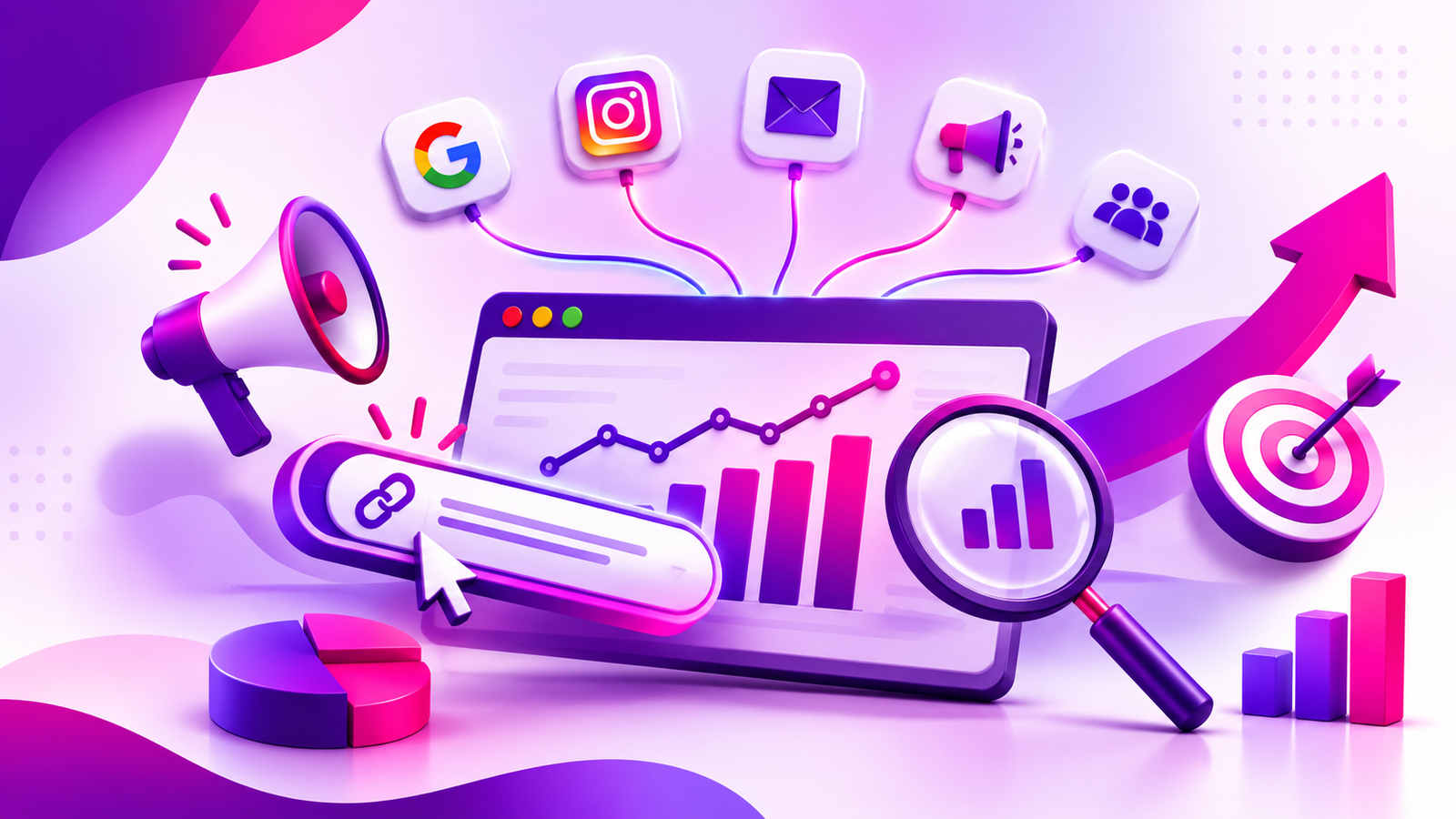
As businesses begin running campaigns on Google, Instagram, Email and other digital platforms, it is important to know what sources your website traffic is coming from. Simply knowing how much traffic you are getting will not always tell you what campaigns are driving traffic to your site.
UTM Parameters add extra information to your campaign links. This helps marketers understand what sources are driving traffic to your website. This guide will explain what they are, how to create them and how to view your campaign performance in Google Analytics 4.
Understanding Tracking Tags in URLs
These are short tracking tags that can be added to the end of a website URL. They help analytics tools identify the source, channel and campaign that brought a visitor to your website. They do not change the destination page or affect the visitor’s browsing experience.
For example, when sharing a product page on Instagram, you can add tracking information to the link to identify Instagram as the source and social as the medium. This helps marketers understand which channels are driving website traffic. Consistent tracking also makes it easier to compare marketing efforts and evaluate campaign performance.
What Are The Different Types Of UTM?
utm_source
This will tell you what source the visitor has come from (Google, Instagram, Facebook, Newsletter etc.)utm_medium
This will tell you what marketing channel the visitor has come from (Email, Social, CPC, Referral etc.)utm_campaign
This will tell you what specific campaign the visitor has come from (Product Launch, Festive Offer, Webinar Sign Up etc.)utm_term
This is commonly used to identify what paid search keywords you are targeting.utm_content
This will help you differentiate between different links or pieces of creative in the same campaign. (Banner, Text Link, 2 versions of an advert etc.)Knowing what type of UTM you have will help your team know what information to track. It will also keep your reporting consistent. You can use the 5 different fields together but not all will need to be used on every link. Keeping your UTM codes consistent will make your reports easier to read. Having clear UTM codes will also make it easier to compare your campaigns.
How Do They Help Track Campaign Performance?
When someone clicks a tagged campaign link, the tracking information is sent along with the URL to the destination page. An analytics tool such as GA4 can then use this information to attribute the visit to the correct source, medium and campaign.
This information can help marketers understand session, engagement and key events. This will help you understand more than just how many clicks you are getting. For example you can see if your newsletter is driving engaged traffic or if your social campaign is driving enquiries. When looking at UTM codes and conversion data you can make better decisions around your campaigns. Having well organised UTM codes will help your team identify similar promotions.
How To Create Tracking URLs Using A Campaign URL Builder
A Campaign URL Builder helps you add tracking tags to your links without having to create them manually. Google’s Campaign URL Builder is a commonly used free option.
To use this:
- Add your URL – Add the page you want people to go to.
- Source – Add the source they are coming from (Instagram).
- Medium – Add the medium they are coming from (Social, Email, CPC).
- Campaign – Add a clear name for your campaign.
- Optional – Add any keyword or creative information.
- Generate & Test – Make sure the link takes you to the correct page.
For example:
https://example.com/?utm_source=instagram&utm_medium=social&utm_campaign=diwali_sale
This will mean they are coming from Instagram, using the social medium and the campaign name is Diwali Sale. Whilst a campaign URL builder will help make creating links easier, it is important to have a consistent naming convention within your team. Try not to mix up the names (Instagram, instagram, insta).
How To View Results In Google Analytics 4
Look at the metrics below:
- Sessions – How many sessions have been attributed to the source/campaign.
- Engaged Sessions – How many sessions have been engaged based on GA4.
- Engagement Rate – What percentage of sessions have been engaged.
- Key Events – What key actions have been taken on your website. For example form submissions or purchases. This can be setup in GA4.
Common Mistakes To Avoid
Small mistakes can make your reports difficult to read. Make sure you are keeping the spelling, capitalisation and naming consistent. Always test your links before publishing to make sure they take you to the correct page.
Do not add tracking tags to internal links on your website, as this could interfere with your original traffic attribution. Also, avoid including personal or confidential information in these tags. Your URLs may be visible in browser history, analytics reports and shared links.
Keep your UTM codes simple, clear and consistent. Always use the same naming convention.
Why Are These Tags Important For Digital Marketing?
Tracking your campaigns helps your business understand which channels are driving website traffic and which activities are generating meaningful actions. UTM parameters provide useful insights into campaign sources, making it easier to compare email, social media and paid advertising performance.
This information can help you make decisions around your creative, targeting and budget. UTM tracking should be used alongside your landing page quality, conversion tracking and other campaign data.
Why Choose Aivolv For Digital Marketing & Campaign Tracking?
Aivolv is an AI powered digital marketing agency based in Hyderabad. We offer SEO, Google Ads, Meta Ads, Social Media Marketing, AEO, GEO and Performance Marketing. We specialise in helping businesses understand their digital activity by providing relevant strategy, campaign tracking and performance.
Having a structured process from campaign planning to analytics will help your team make informed decisions. Take a look at our services on aivolv.in to see how we can help you with your digital marketing.